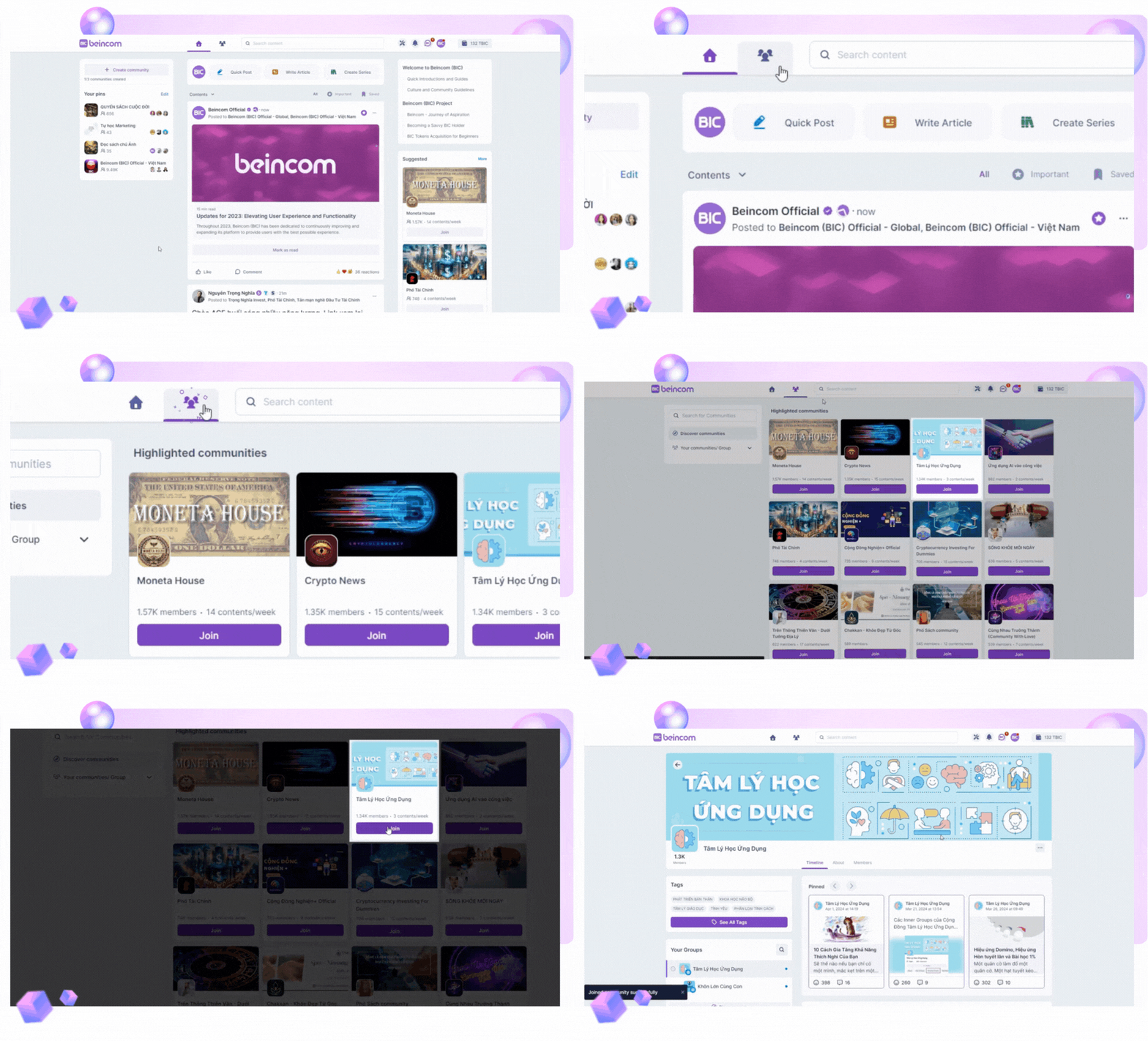
Check out the public chat channels, where creators frequently introduce their communities and welcome new members.
And what if you can’t find your ideal community? No worries! We encourage you to be the one to start it – all your questions can be answered right here!
Inner Circle Structure (ICS) is a new, outstanding feature on Beincom.
Every community contains inner groups, and those groups can host even smaller ones. These spaces foster deeper connections among members with shared interests.
Beincom currently supports a maximum of 50 sub-groups with up to 9 levels of depth within a single community. These sub-groups are categorized by their privacy level:
Open Group
Identified by a globe icon, these groups are open for all members to discover and join.
Closed Group
Indicated by an eye icon; members can view all posts but must join to participate in chats.
Private Group
Symbolized by a lock icon. Content is members-only, and joining requires admin approval.
Secret Group
Shown with a shield icon, content is exclusive to members and entry is by admin invitation only.