Introducing BIC Token: The heartbeat of the Beincom Web3 ecosystem.

Build a Thriving Community with Beincom

Group 123465
confesti

Create a New Community

25

Step 1

Log in to your Beincom account and click the “Create community” button on the left sidebar.

Step 2

Fill in your community details and click “Create”.

  • Community Name
  • Privacy Level:

Open

Private

  • An appealing Introduction about your Community.
  • Relevant categories for your Community.

Step 3

Start customizing your Community: set a profile picture and cover photo, invite members, and create your first post.

Pro-tip: Content frequency is key to attracting new members. Keep your community vibrant with regular updates!

BIC Group 1

Creating Inner Groups within a Community

Step 1

Group 123465

From the Admin Panel, select “Create Inner Group”.

Step 2

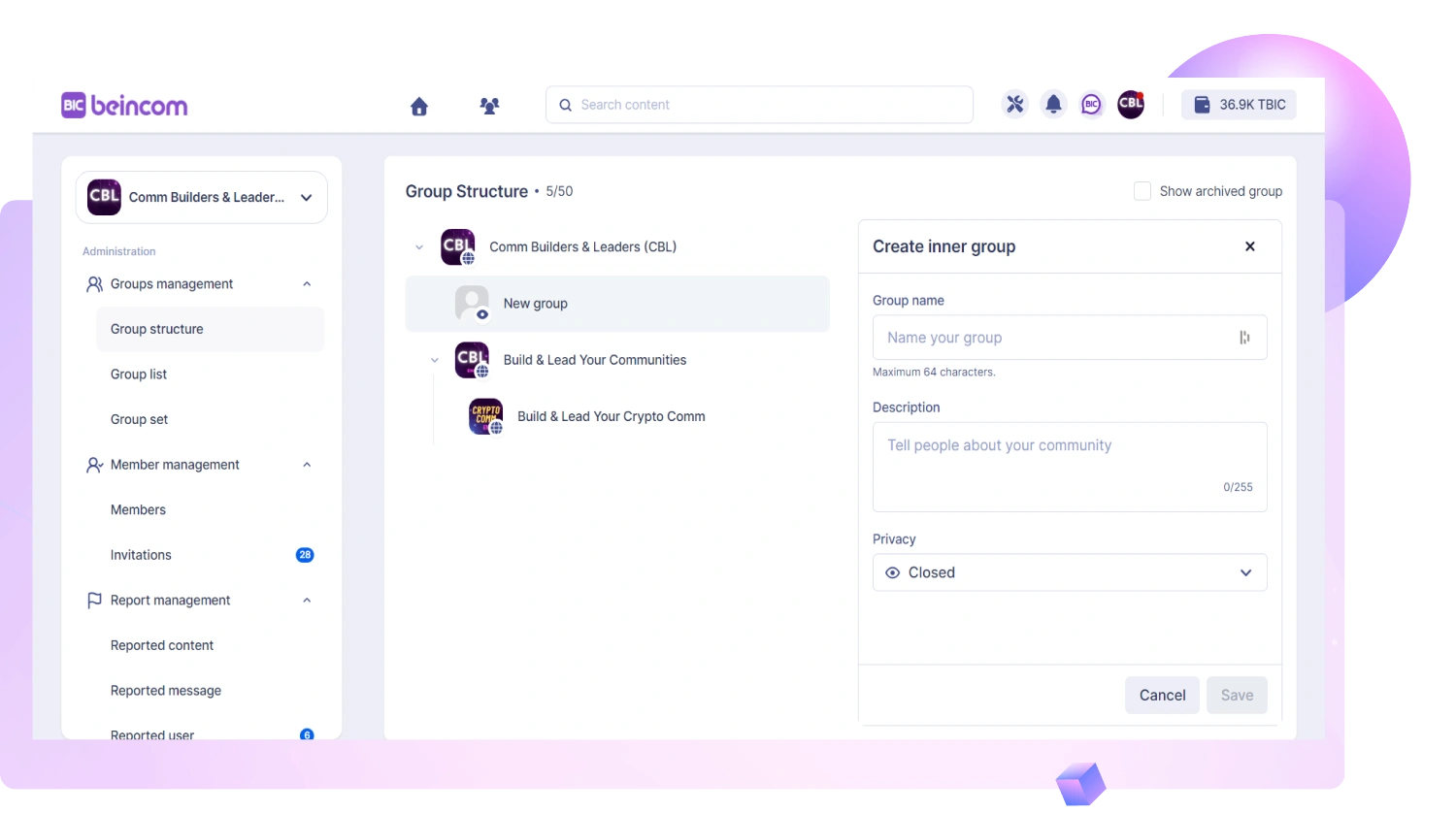
Enter the group details and click “Create”:

  • Group Name
  • Privacy Settings:

Open group

Closed group

Private group

Secret group

  • Description of the group

Once created, you can upload a group avatar, invite members, and manage settings in the Admin Panel.

Group 3

Step 3

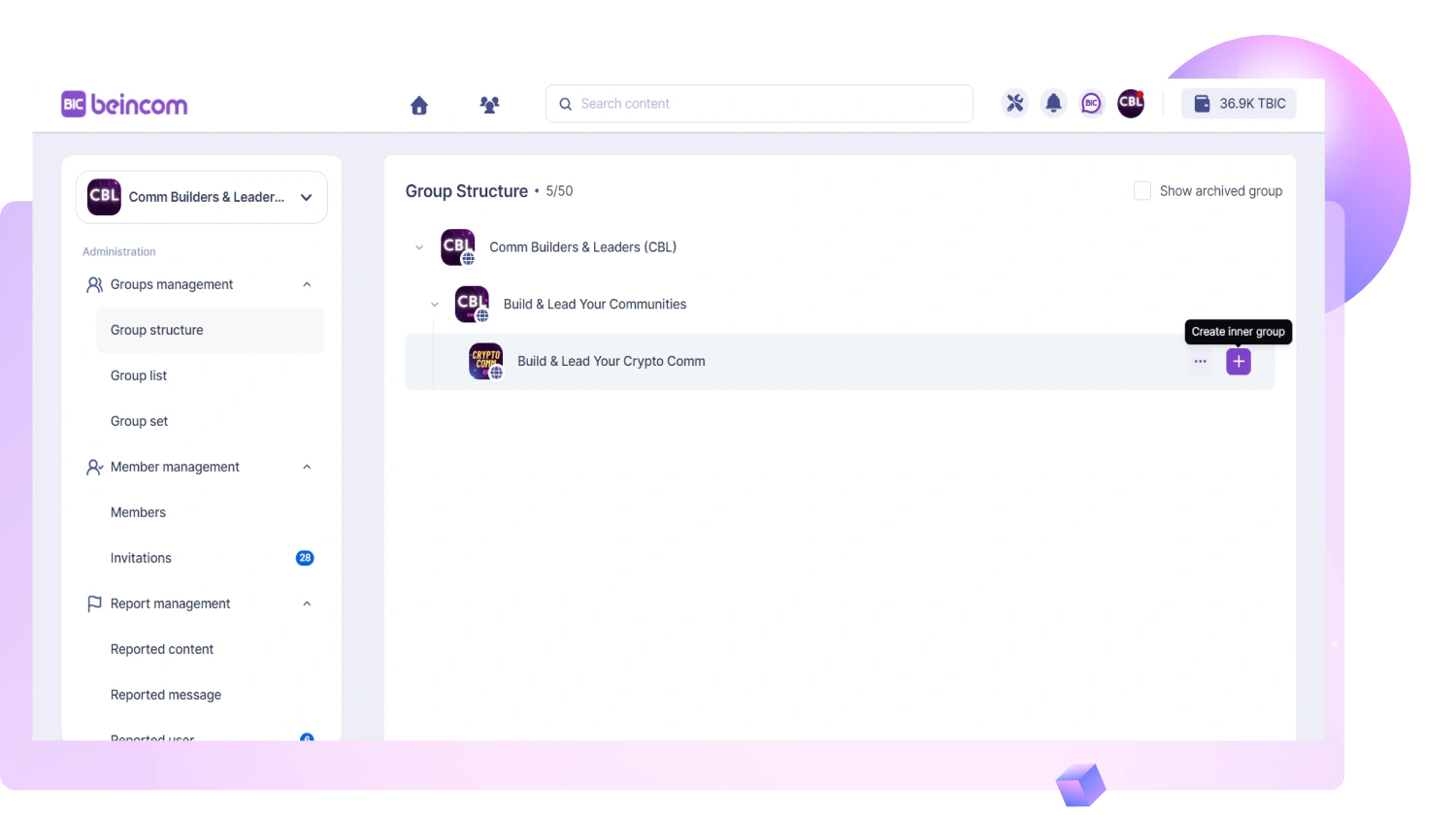
Click the plus (+) icon or “Create inner group” to add more sub-groups as needed.
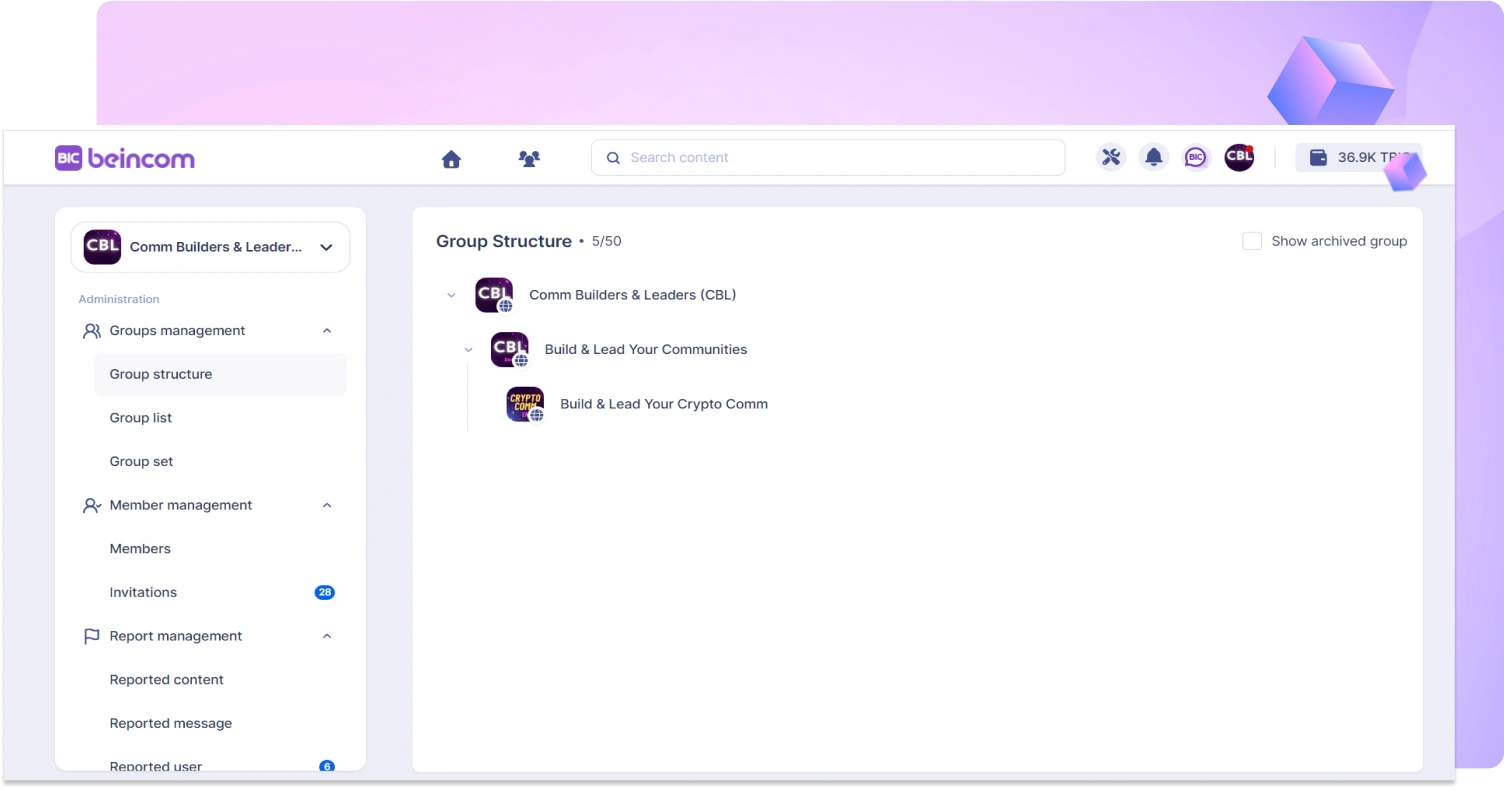
Each Community supports up to 9 layers deep with 50 Inner Groups.

Admin Panel

Click the Admin Panel icon in the top-right corner to access management tools.

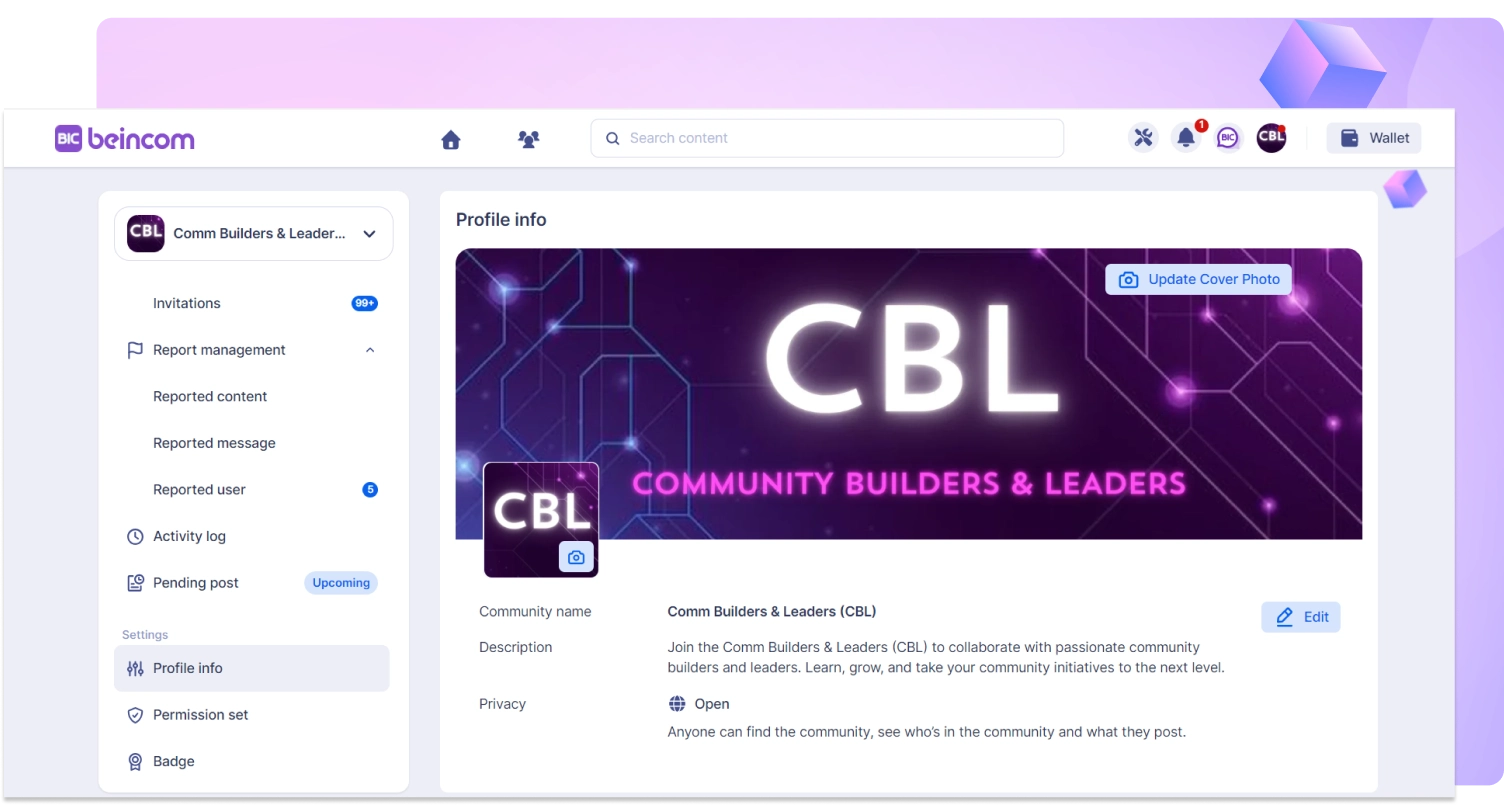
Change community profile

Setting up permissions for admins and members

View groups in the community

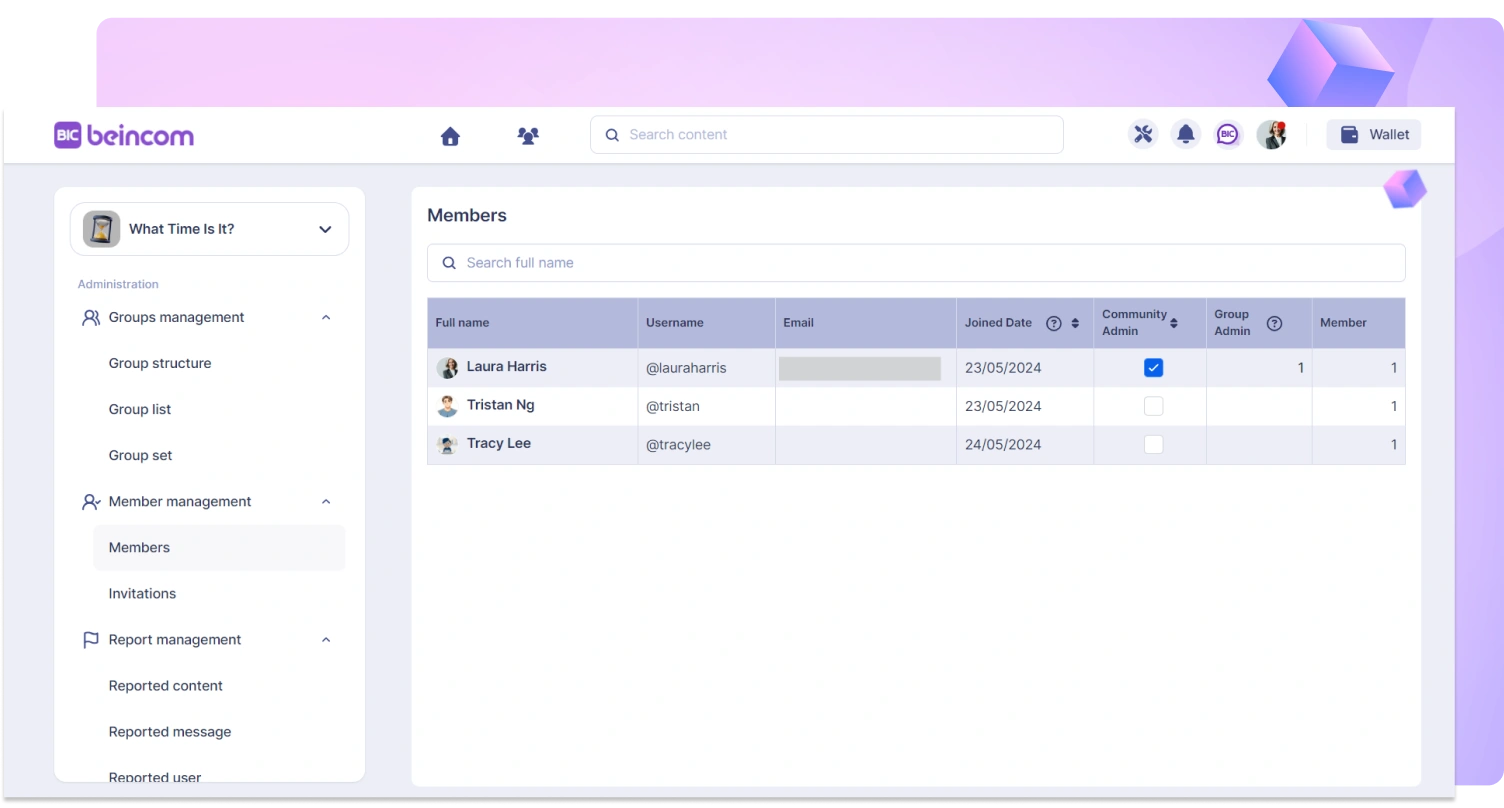
Viewing members within the community, inviting new members

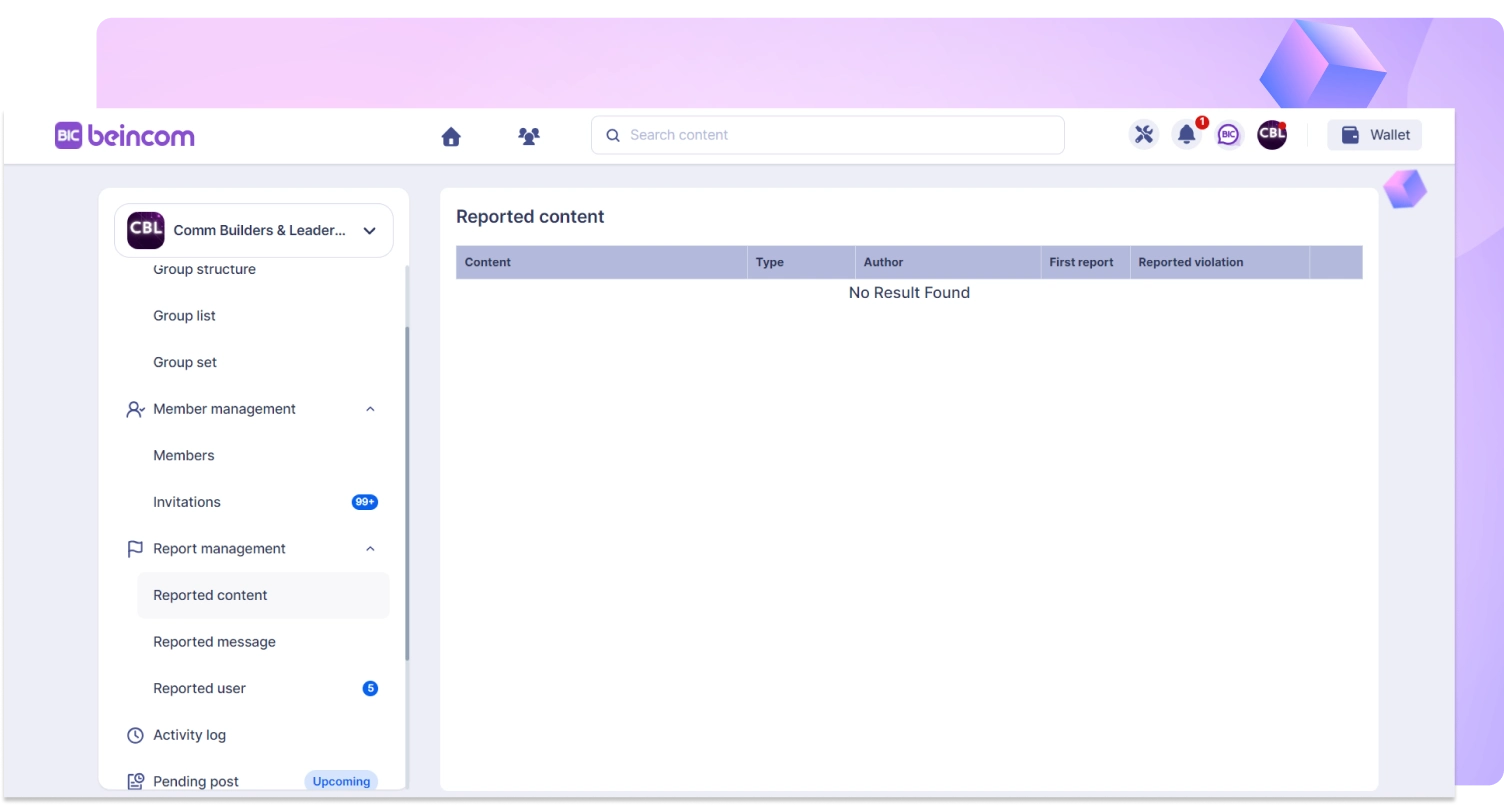
Managing and solving reported contents

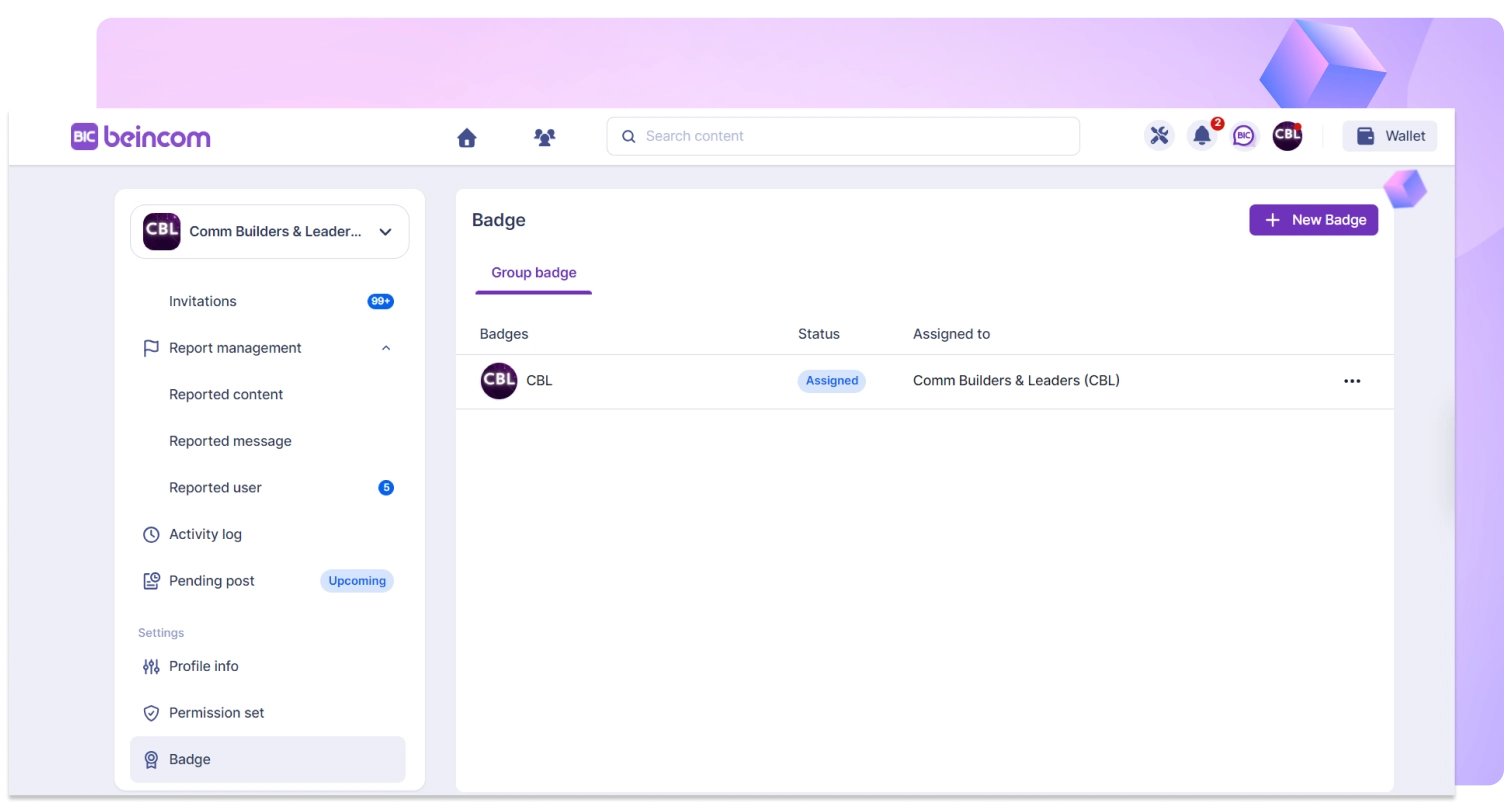
Create Badges for your community, group members can attach badges next to their names, each user can display a maximum of 3 badges and can change them.

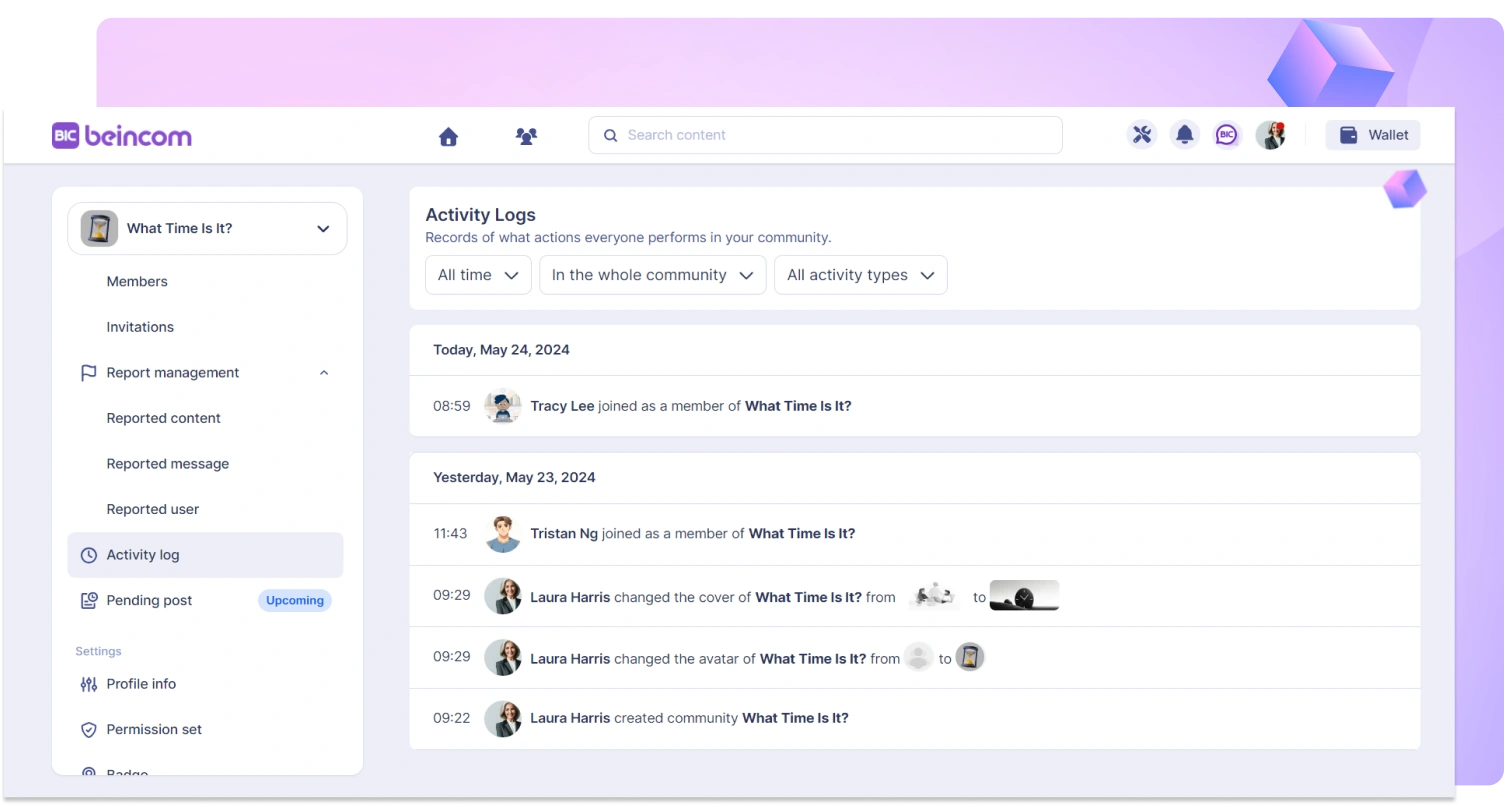
View the history of user actions performed on the community

Beincom - The Future of Community Engagement